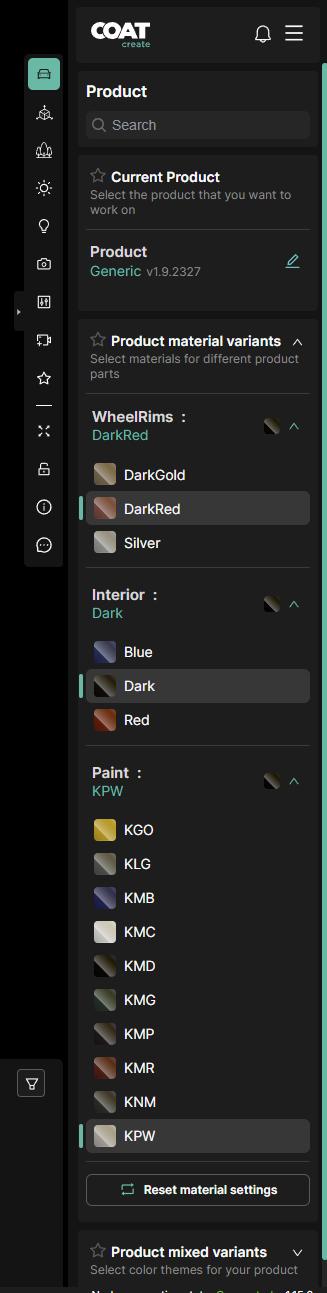
Product
-
Product - The Search window filters the options bellow
-
Current Product - Displays your current EIM configuration.
-
Search model - A dropdown list of available EIMs.
- The filter button on the right - Opens an EIM browser to sort based on the EIM specification.
-
Material Variants.
- Paint - Choose an exterior color, with color code and color icon.
- Interior - Choose an interior color with code and color icon.
-
Visibility Variants
- Other Variants on the product such as DRL's and Rear lights.