Pose a Car
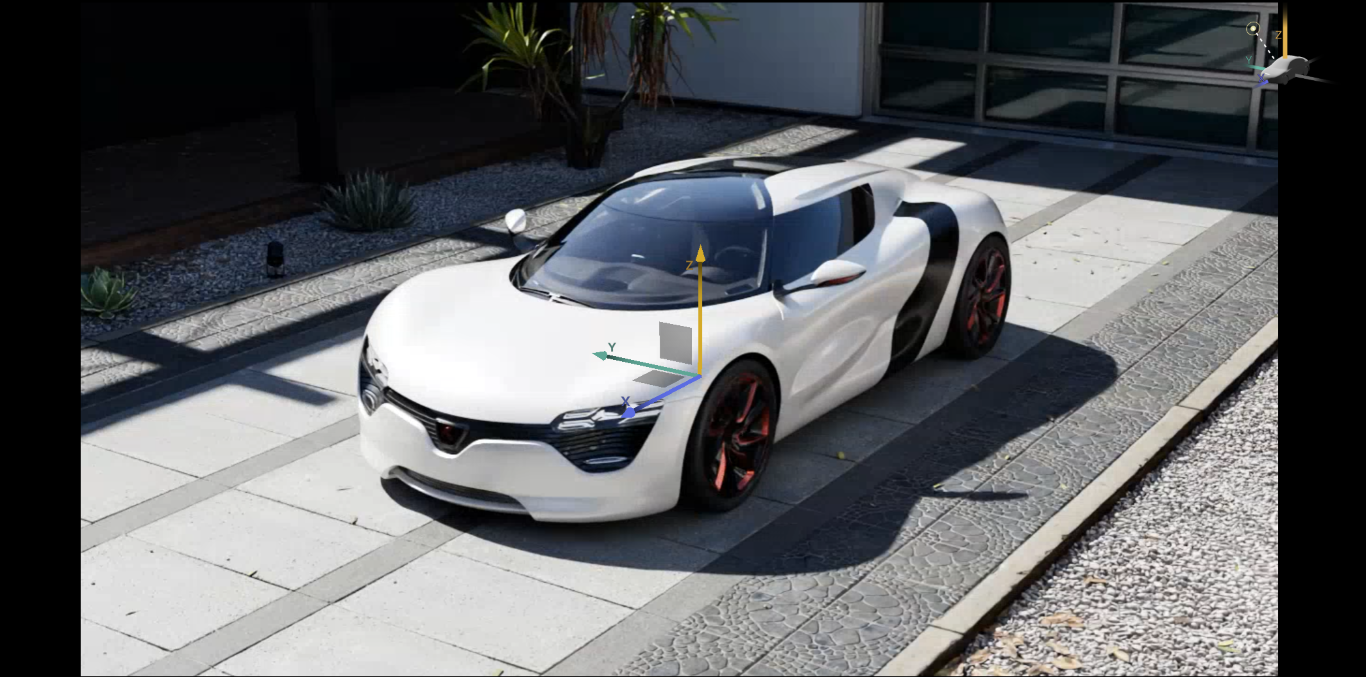
Opening this menu shows the transform gizmo for the product. You can move in one axis by selecting it's arrow, or move in two axis by selecting the gray square on the plane between two arrows.
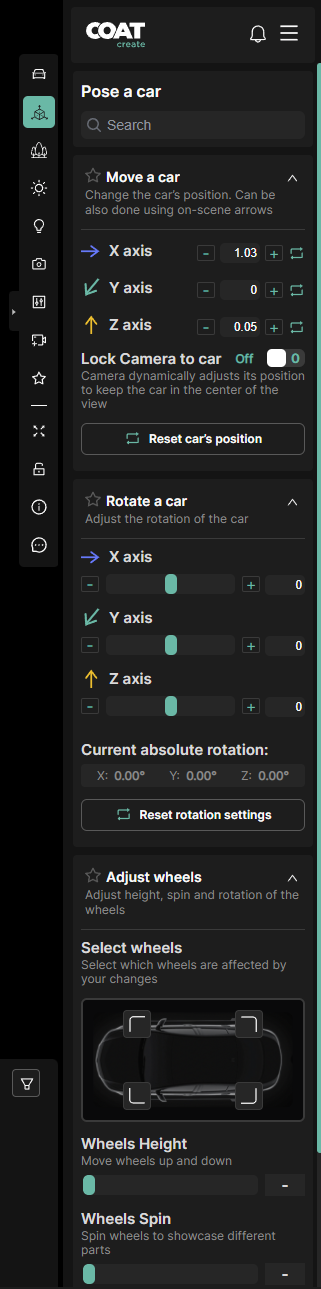
In the menu roll out you have more precise control.
-
Search - Filters the list of options below, either the top level like "Rotate" or specific animations like "trunk"
-
Move a car - Input and reset transformations of the car.
-
Lock Camera to Car - Toggles the camera to be locked to the car. Toggle off if you don’t like the camera to move when the car moves.
-
Rotate a car - Input and reset rotations of the car.
-
Adjust Wheels - Select the wheels icons in the diagram and then use the Wheels Height and Wheels Spin slider to affect your selected wheels.
-
Move Parts of the car - This is a list of all animated options on the car, such as doors open, seat positions and steering wheel rotation. Every option has a toggle to turn it on or off and the whole section can be reset.