Full Screen
Entering full screen mode will maximize the viewport to fill the available space on your display. The right hand menus and tray at the bottom of the interface will not be visible. You may also additionally reduce the amount of visual clutter by hiding the tool bar by clicking the small triangle midway down it's height. While in full screen mode the viewport will still react to user input such as orbiting, dollying and panning the camera.
Conversely, the tool bar can be unhidden by clicking the triangle, then to the default screen view by toggling off the full screen icon within the tool bar.
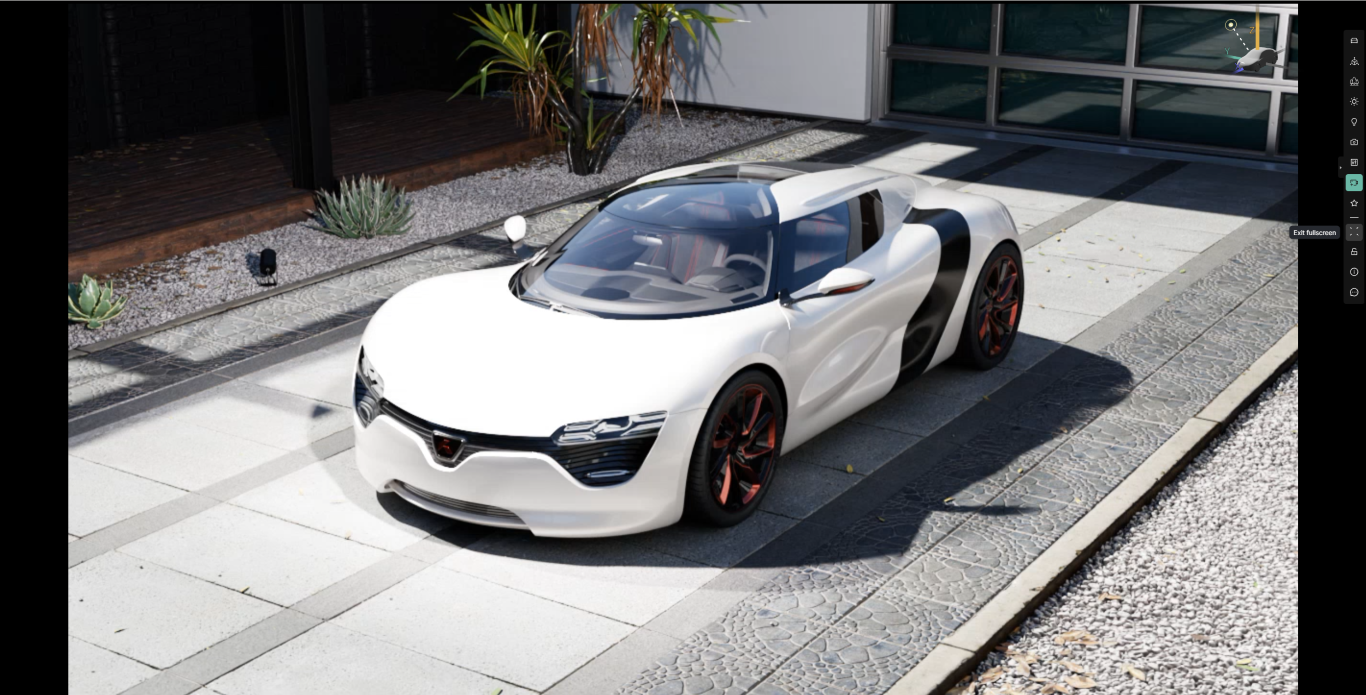
- Maximized the main window in the browser.
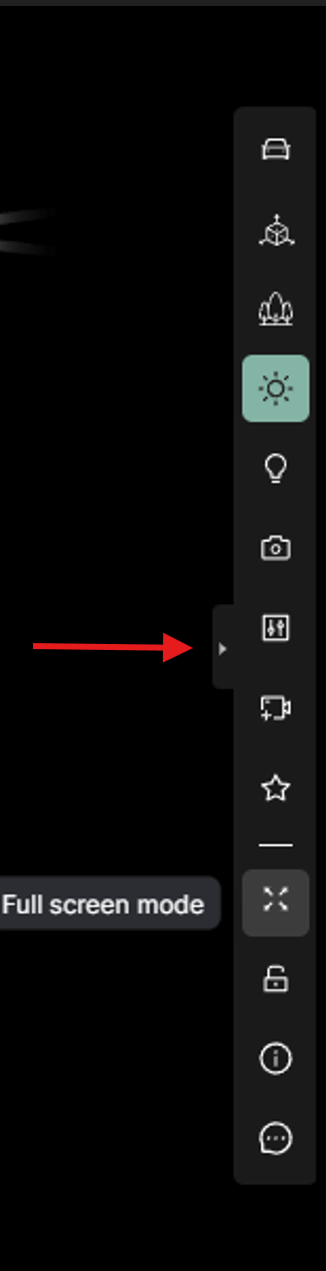
Full screen icon, and triangle that hides and unhides tool bar.