General Concepts
States, Renders and Workspaces explained
In COATcreate, your work is organized using States, Renders, and Workspaces. Understanding how these elements work together will help you manage your projects and workflow.
What is a State?
A State is a snapshot of your current scene configuration. Think of it like a lightweight "save" — you're not saving every bit of data, but rather the decisions you've made in your scene.
-
Each State includes:
-
Product configuration and position
-
Environment selection and variants
-
Camera postiion and settings
-
Lighting configuration (Sky and Custom lights)
-
Each State saved includes a thumbnail visible in the States menu at the lower left of the interface. States are used to restore COATcreate to the configuration contained in each state by clicking on it's thumbnail.
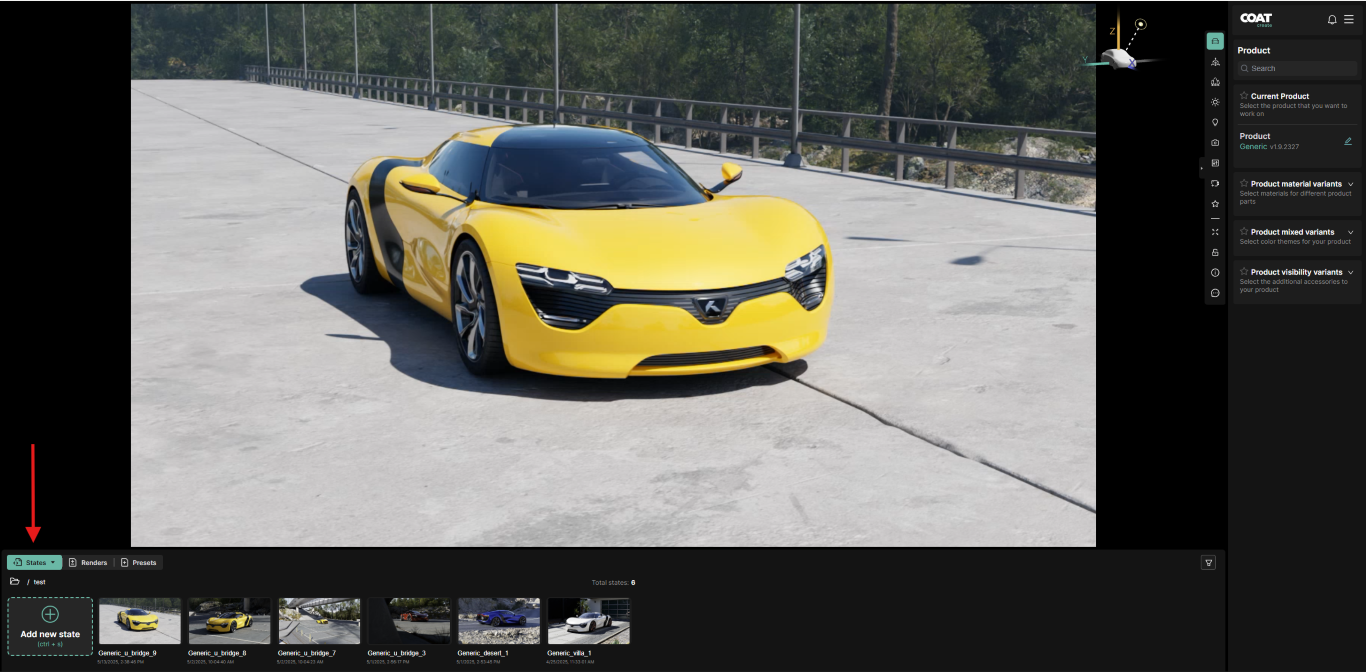
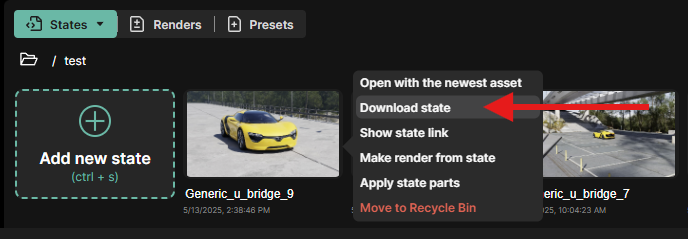
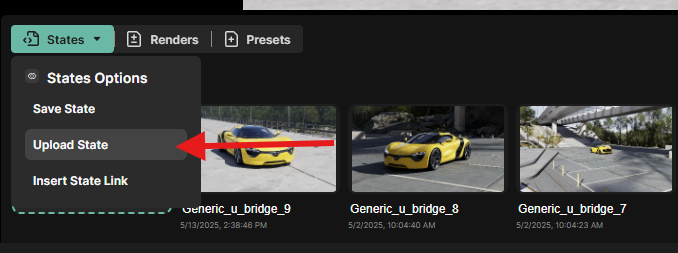
States can be downloaded and uploaded between users to allow access to the exact configuration saved, facilitating revisions and collaborative workflows.
What is a Render?
A Render is a high quality image, generated at the specified resolution which you can download and use outside of COATcreate.
Renders are embedded with the State information as meta data, so this means you can both use the image as content, and use it to restore a working session of COATcreate.
Renders will appear in the Renders section in the lower left of the interface. Renders can be downloaded from here to the downloads folder of your browser
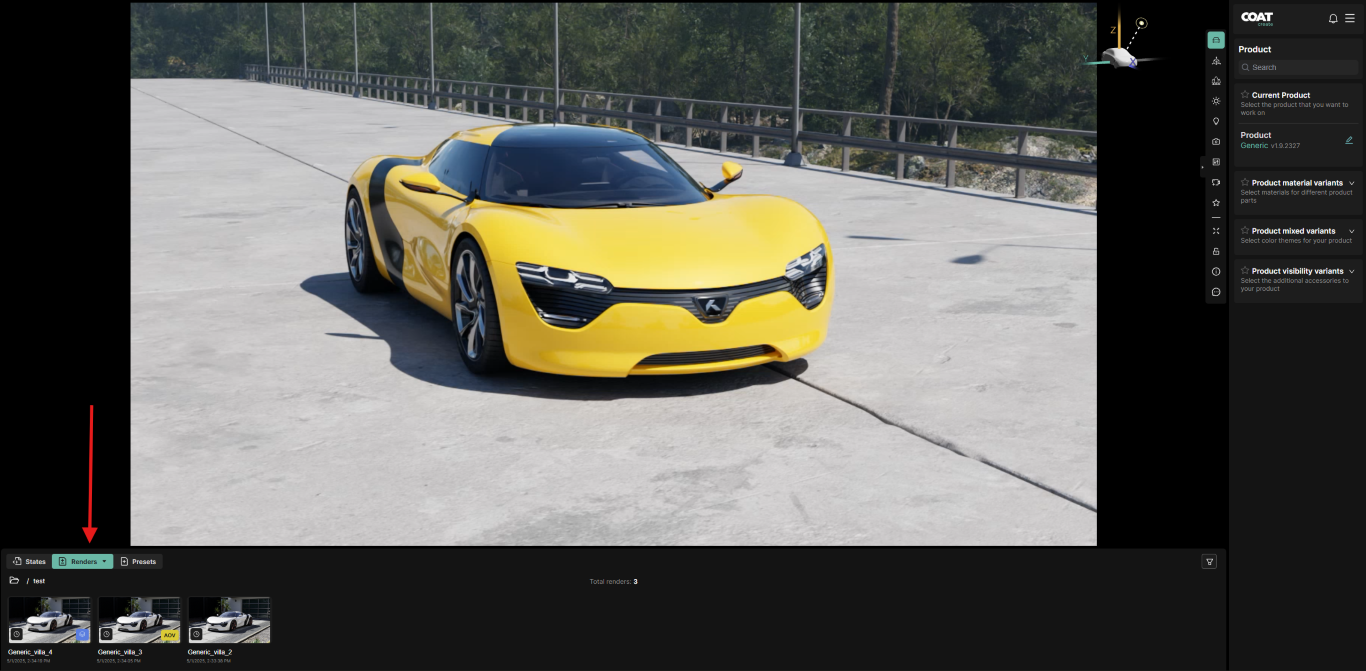
A "Workspace" is a collection of both States and renders. It is a working session of COATcreate. You can create workspaces for different projects or different shots you are working on.
Recycle Bin
The recycle bin is a holding area for files to be deleted. Once a file is deleted there is no option to recover it.